Publishing a report straight into production works for small reports. Once people depend on it, every change needs somewhere safe to be wrong first.
Publishing a Power BI report straight into production works for small reports. One author, a handful of readers, and a mistake that gets spotted and fixed in ten minutes.
It stops working when people depend on the report. When the sales director opens it every Monday, when finance reconciles against it, when a board pack is built from it. At that point every change is made in front of the people relying on it. A broken measure, a filter left on, a visual that no longer loads: the business sees it before you do.
The fix is not complicated. It is three environments and a controlled way of moving changes between them.
What goes wrong when production is the only environment
When there is only one workspace, every edit is a live edit. There is nowhere to try a change against realistic data without the readers seeing it. There is no record of what changed, or when, or why. And if a change goes wrong, there is no clean version to go back to.
None of this is a failure of the people involved. It is a gap in the setup. A good developer working without a test environment is still testing in front of the business.
Three workspaces, three jobs
The pattern borrowed from software development is simple. Keep three separate workspaces, each with one job:
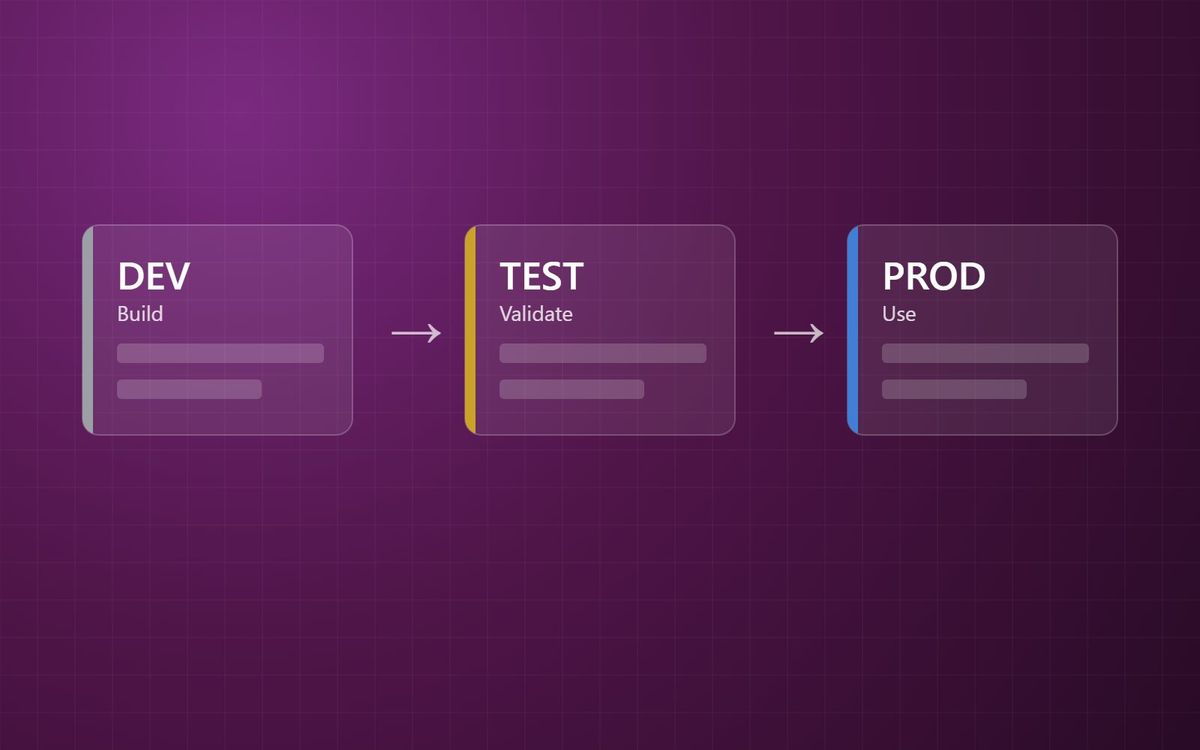
- DEV is where changes are built. Developers can break things here and nobody else notices.
- TEST is where changes are validated. Realistic data, real checks, and ideally a real user or two looking at it before it goes any further.
- PROD is what the business uses. Nothing is edited here directly. Changes arrive from TEST, and only once they have been checked.
The easy way to remember it: DEV is for building, TEST is for validating, PROD is for using.
What a deployment pipeline actually does
Power BI deployment pipelines link those workspaces together. Each stage of the pipeline is assigned its own workspace, and content is promoted from one stage to the next rather than published directly into production.
A pipeline can have anywhere from two to ten stages, though three is the standard and the right starting point for most teams. Items in each stage are paired with their counterpart in the next, so the pipeline knows that the Sales report in TEST is the same report as the Sales report in PROD. Before you deploy, it shows you what is different between the two stages. After you deploy, it keeps a deployment history.
There is one practical requirement to plan for. Each stage's workspace has to sit on capacity, whether that is Fabric, Premium or Premium Per User. For most organisations already on Microsoft Fabric this is a non-issue. For those on Pro licensing alone, it is part of the conversation, and our Fabric licensing calculator will give you a realistic view of the cost.
When you do not need one
Deployment pipelines are not required for every report. A personal analysis, a one-off piece of work, or a report with a single author and a small audience does not need three workspaces and a release step. Adding process where the risk is low just slows people down.
The test is dependency. If a wrong number in this report would lead to a wrong decision, a difficult conversation with a customer, or a board member asking why last month's figure has changed, it is business-critical. Business-critical content should not be edited in production.
Where to start
You do not need to move the whole estate at once. Start with the handful of reports the business depends on most.
- Create DEV and TEST workspaces alongside the existing production workspace.
- Build a pipeline and assign the existing workspace to the production stage, so nothing the business uses has to move.
- Agree who can deploy to production. It should be a short list.
- Make the rule plain: changes to these reports go through TEST first, every time.
Deployment pipelines are the minimum, not the finish line. Version control and a proper release process build on top of them, and we covered that in Power BI changes need a release process. But the three-environment habit is where it starts.
It is also one of the first things we look at in a Power BI estate. If you want an outside view of how your reports get from build to the business today, a free analytics audit is a sensible place to start.
The report the business trusts should be the one that changes least often, and only on purpose.
Simon Devine
Founder, Hopton Analytics
Part of the Hopton Analytics team, delivering governed analytics programmes for UK mid-market organisations.