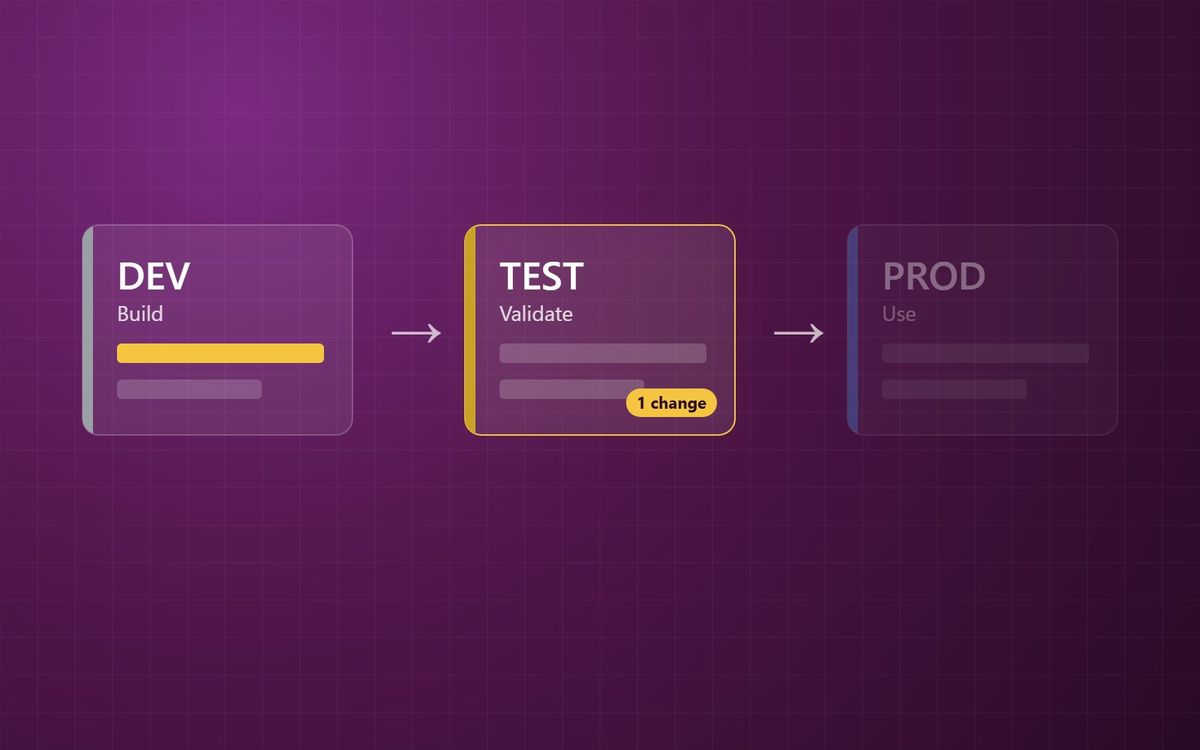
Before you deploy, Power BI will tell you exactly what is different between stages. Use it, deploy only what changed, and let parameter rules point each environment at the right data.
Once DEV, TEST and PROD are in place, two practical questions come up quickly. What exactly am I about to deploy? And how does the same report point at test data in TEST and live data in PROD?
Power BI deployment pipelines answer both. The first through stage comparison. The second through deployment rules.
See what changed before you deploy
When you open a stage in a deployment pipeline, it compares every item against its paired item in the source stage. Each item gets one of four labels:
- Same as source. Nothing has changed.
- Different from source. The item has been changed, renamed, or has a deployment rule that has not yet been applied.
- Only in source. It is new, and does not exist in the target stage yet.
- Not in source. It exists in the target stage but not in the source.
Take a simple example. The Sales report has had a new visual added in DEV. The Sales semantic model has not been touched. The comparison shows the report as Different from source and the semantic model as Same as source. So only the report needs to go.
For semantic models, you can go a step further. The change review shows a line-by-line comparison of the model in each stage, so you can see which measure, column or relationship has actually changed before it moves.
Deploy only what changed
You do not have to deploy the whole stage. Pipelines let you select individual items and deploy just those.
This matters more than it sounds. Deploying everything every time means redeploying items nobody touched, and risking changes that were half-finished in DEV going along for the ride. Deploying only what changed keeps each release small and easy to check. Small releases are easier to validate, and easier to reverse.
One thing to watch. Items depend on each other. A report that uses a new measure needs the semantic model that contains it. If you deploy the report on its own, it will be bound to the old model in the target stage and the new visual will fail. When you select items, check what they rely on.
Same report, different data
The report in each stage should point at the data for that stage. DEV reads development data, TEST reads test data, PROD reads live data. Editing the connection by hand after every deployment is exactly the kind of manual step that gets forgotten.
Deployment rules remove it. A rule is set on the target stage and applied automatically each time content is deployed into it. There are two kinds:
- Data source rules, which swap one data source for another.
- Parameter rules, which set a Power Query parameter to a different value in each stage.
Parameter rules are the cleaner option when you plan for them. Build the semantic model with a text parameter, say FilePath or ServerName, and use it in every query that connects to a source. Then set a rule in each stage:
- DEV: Sales_DEV
- TEST: Sales_TEST
- PROD: Sales_PROD
Deploy the same model to each stage, and each copy connects to its own data. Nobody edits a connection by hand.
Parameters are far easier to design in from the start than to retrofit, because retrofitting means touching every query in the model. If you are planning a new Power BI or Microsoft Fabric build, put them in on day one.
A few things that catch people out
- Rules apply to semantic models and dataflows, not reports. The report follows whichever model it is bound to.
- Parameter rules only work on text parameters.
- You need to own the item to create a rule for it, so agree who owns the production models.
- A new or changed rule takes effect on the next deployment, not straight away.
- The rules themselves are not deployed. Each stage keeps its own.
If you are setting up pipelines for the first time, start with why DEV, TEST and PROD matter. And if the semantic model is doing the real work in your estate, treat it as the asset.
Know what you are deploying. Deploy only that. Let the rules handle the rest.
Simon Devine
Founder, Hopton Analytics
Part of the Hopton Analytics team, delivering governed analytics programmes for UK mid-market organisations.