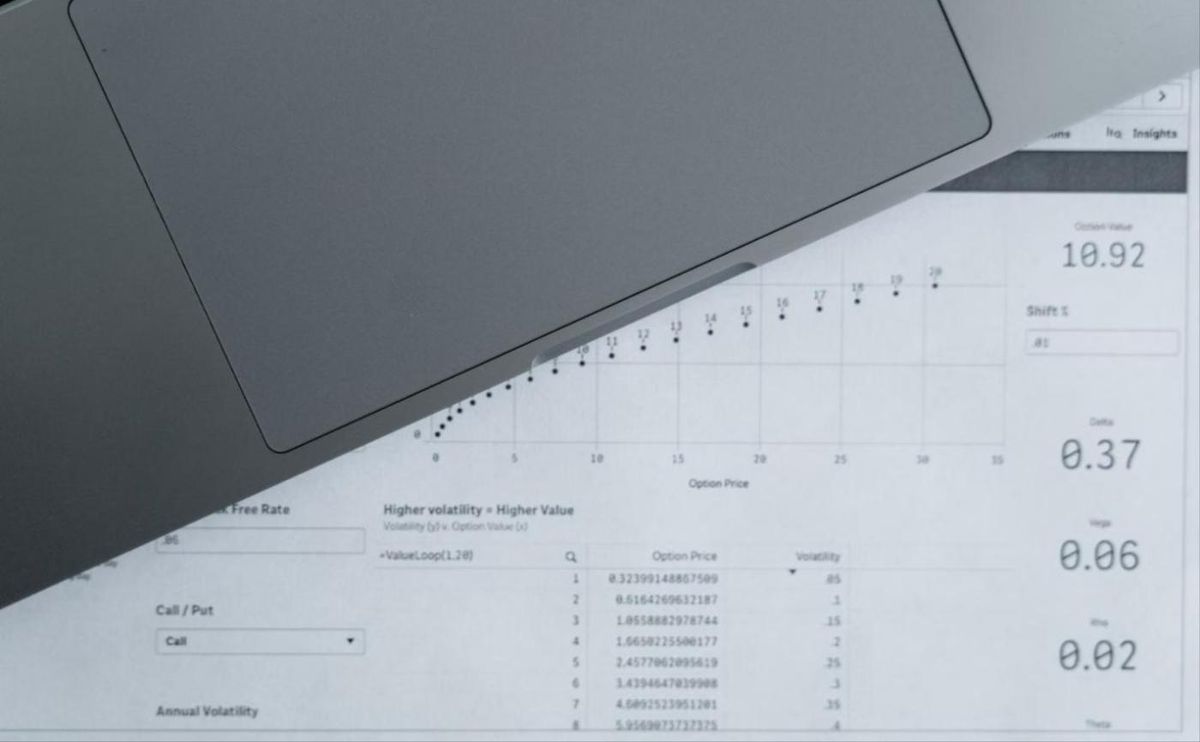
Microsoft's Power BI apps are free, single-company and built on Microsoft's definitions. Cosmos is a governed multi-company model with Excel and Power BI on top. Six tests that decide which you need.
The short answer
Microsoft's Power BI apps for Business Central are free, cover the main functional areas, connect to one company at a time and use Microsoft's definitions. Cosmos is a subscription product that gives you a governed, multi-company Business Central data model with around 30 Excel reports and six Power BI report packs on top, plus scheduling and distribution. If you run one company, accept Microsoft's definitions and your users are happy in Power BI, start with the apps. If you have several companies, finance wants its own definitions in Excel, or reports have to go to people who do not log in, Cosmos is doing a job the apps cannot. Hopton is a Cosmos partner for the UK and Ireland and we deploy the Microsoft apps too, so this is written from both sides.
What the apps give you
Microsoft ships a set of pre-built Power BI apps for Business Central covering finance, sales, purchasing, inventory, projects and more. They install from AppSource, connect to a Business Central environment and company, and give you a respectable set of reports within an afternoon. We reviewed them in detail in what you get, what you don't, and when to go beyond them. The verdict there holds: they are a very good free starting point, and they are single-company, on Microsoft's definitions, in Power BI only.
What Cosmos gives you
Cosmos connects to one or more Business Central environments and builds a single governed data model across as many companies as you need. The model is structured for reporting: lookups resolved, dimensions extended to entry level, companies and currencies handled. Excel is the main authoring tool through an add-in with around 30 ready-made reports. Six pre-built Power BI report packs, released in August 2026, read the same model. Reports can be scheduled and distributed by email or to SharePoint, in Excel or PDF, to people who are not Cosmos or Business Central users. What is new in Cosmos for Business Central in 2026 has the detail.
Six tests
How many companies?
One: the apps will do. Two or more, with a group view required: Cosmos, or a model of your own. The apps do not consolidate.
Whose definitions?
If finance is content with Microsoft's view of gross margin, ageing buckets and revenue, the apps are fine. If finance has its own definitions, and it usually does, you need a model where those definitions live once. Cosmos gives you that model without building it.
Excel or Power BI?
The apps are Power BI. If your finance team does the month-end pack in Excel and will carry on doing so, Cosmos meets them where they are and gives them governed numbers in the spreadsheet, with Power BI for everyone else.
Who needs the reports?
If everyone who needs a number has a Power BI licence and will log in, the apps work. If reports have to reach store managers, board members, auditors or a parent company on a schedule, Cosmos's distribution does that and the apps do not.
How much history?
The apps report what is in Business Central. If you moved from NAV, GP or Sage and want trends across the migration, Cosmos can load the old data into the model beside the new.
What else needs to sit beside the ledger?
Budgets in Excel, CRM data from Dataverse, an Azure SQL database: Cosmos takes them into the model. The apps are Business Central only.
The honest middle ground
Plenty of businesses should start with the apps. They cost nothing beyond Power BI licences, they show finance what Power BI can do, and they surface the definitions argument early, which is useful. The time to look at Cosmos is when the second company arrives, when someone rebuilds an app report in Excel because the numbers were "not ours", or when the finance manager is emailing PDFs to twelve people every Monday. Those are the moments the free tool has stopped being free.
Where both sit among the routes
The apps are route one of the three routes to Business Central reporting. Cosmos is a ready-made version of route two, a governed model over Business Central without the build. Jet Analytics is route two where you want to own the platform, and a Fabric lakehouse is route three. We work on all of them and we would rather you pick the right one than the one we happen to be talking about.
Working with Hopton
We deploy and extend the Microsoft apps, and we implement Cosmos around how your business reports, build your first reports, train your teams and support them after go-live, as part of a view of your whole data estate. A free audit of your current Business Central reporting tells you which of the six tests you fail, if any. Details on our Cosmos partner page, or get in touch.
Related reading
What is new in Cosmos for Business Central in 2026?
Business Central reporting options explained: Native, Power BI direct, Jet, Cosmos and Fabric
Power BI for Business Central: extraction patterns, timelines, and the Jet vs Cosmos decision
Isobel Bowers
Analytics Consultant
Part of the Hopton Analytics team, delivering governed analytics programmes for UK mid-market organisations.