Automate Power BI report delivery with PowerBI Robots
PowerBI Robots sends your Power BI reports to the people who need them, on a schedule, without anyone exporting a thing. Choose the pages, set the filters, pick PDF, Excel or image, and it delivers by email, to SharePoint or into Microsoft Teams. The people receiving them don’t need a Power BI licence.
We set it up and support it from Leeds, London and Dublin. Try it free first, on one of your own reports.
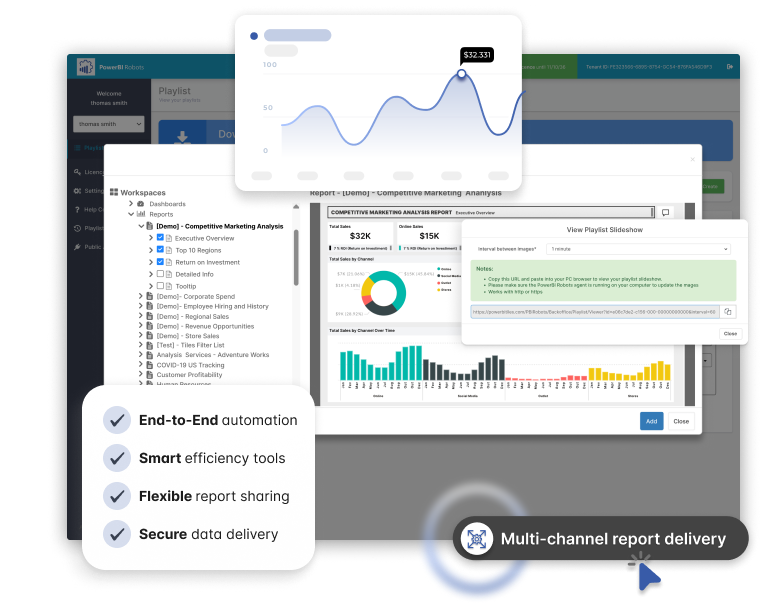
In short:PowerBI Robots is report distribution software for Microsoft Power BI, made by DevScope. It turns Power BI reports into PDF, Excel or image files and delivers them automatically, on a schedule, to any number of people inside or outside your organisation. It needs one Power BI Pro account to run. Recipients need no Power BI licence. Prices start at £99 a month. Hopton Analytics is DevScope’s Authorised Partner, UK & Ireland, and sells, implements and supports PowerBI Robots in both countries.
No Power BI licence needed to receive
Unlimited schedules and recipients
PDF, Excel, image and slideshow outputs
Runs inside your own network
Power BI Service and Report Server
The problem
The Monday morning export job
Most organisations running Power BI have someone who spends part of every week exporting pages to PDF, attaching them to emails and sending them to regional managers, directors or customers. It is dull work. It is easy to get wrong. And it stops the week that person is on holiday.
Power BI’s own subscriptions cover the simple cases. They get harder, or more expensive, when you need to send to people outside your organisation, send each person their own version, send Excel rather than a picture, deliver somewhere other than an inbox, or run more than 24 schedules on one report. PowerBI Robots does all of this from one Power BI Pro account.
How PowerBI Robots compares
| Power BI subscriptions | Power Automate with Export to File | PowerBI Robots | |
|---|---|---|---|
| What you need to run it | Pro or Premium Per User licence | A workspace on reserved capacity, plus someone to build the flows | One Power BI Pro account and a Windows machine for the agent |
| External recipients | Only from paid Premium or Fabric capacity | Yes, if you build it | Yes |
| A filtered version per recipient | Dynamic subscriptions, on capacity only, up to 1,000 recipients | Yes, if you build it | Yes, set in the playlist |
| Output formats | Email snapshot, PDF or PowerPoint attachment (up to 20 pages, under 25 MB) | PDF, PowerPoint or PNG | PDF (A4 or Letter), Excel, images, slideshow |
| Destinations | Whatever you build | Email, SharePoint, Azure file storage, webhooks (including Teams) | |
| Schedules per report | Up to 24 | No fixed limit | Unlimited |
| Who maintains it | Report owners | Whoever built the flows | Configured in a web app, no code |
Microsoft limits as published on Microsoft Learn, September 2026.
What it does
What PowerBI Robots does
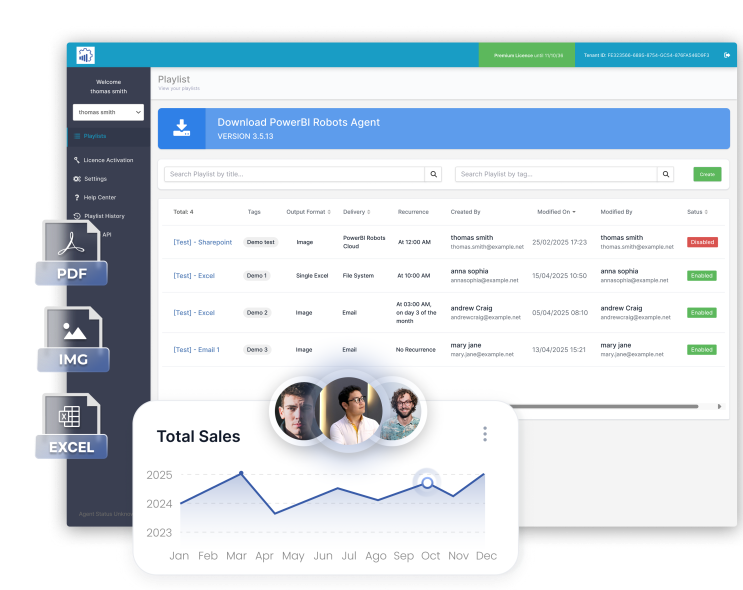
Scheduled delivery
Set reports to go daily, weekly, monthly or at whatever interval suits. Each schedule is a "playlist": the reports and pages, the filters, the recipients, the format and the timing.
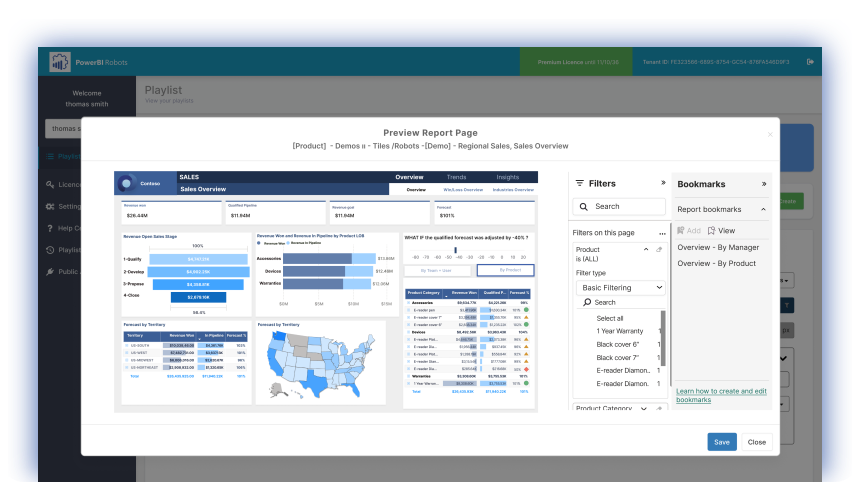
A version for each recipient
Apply report and page filters, bookmarks and slicer selections per playlist, so each region, branch or customer receives only their own figures.
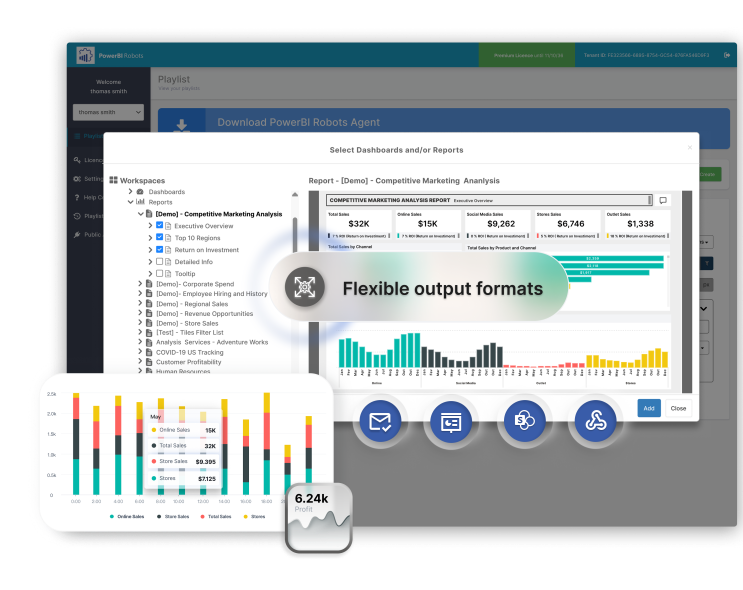
The format people actually use
PDF in A4 or Letter, Excel exports of the data behind a visual, high-resolution images for the body of an email, and slideshows for screens on the shop floor.
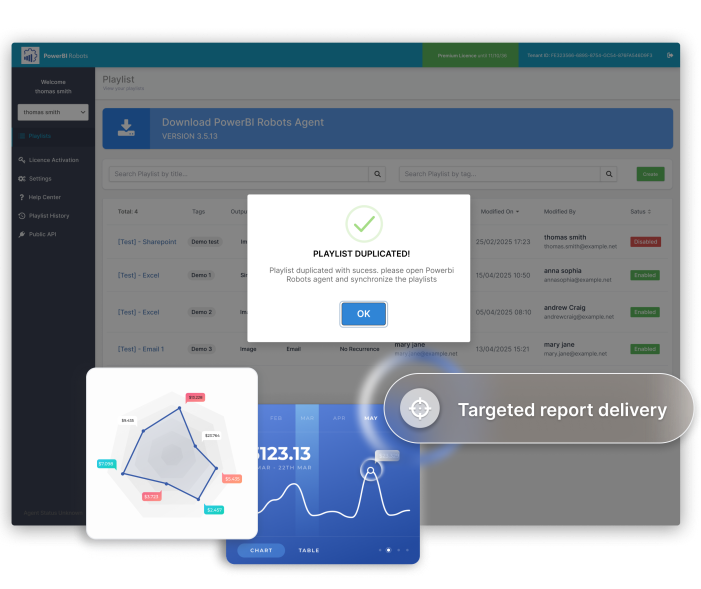
Delivery beyond the inbox
Email, SharePoint, Azure file storage and webhooks. We use webhooks with an Azure Logic App to post reports straight into a Microsoft Teams channel, where guests can see them too.
Your data stays with you
A Windows agent on a server you control signs in to Power BI, renders the reports and sends them. Tokens and email settings are stored, encrypted, on that machine. DevScope does not hold your report data.
A record of what went where
Every run is logged, so you can show who received which report and when. Useful for audit, and useful when someone says they never got it.
Is this for you?
Who uses it
- Finance teams sending month-end packs, budgets and forecasts to budget holders and the board.
- Retail and hospitality sending each store or site its own trading figures before the doors open.
- Wholesale and distribution sending customers and suppliers their sales, stock and delivery performance.
- Operations putting live production and service figures on screens around the building.
- Professional services sending clients a monthly report without giving them access to your Power BI tenant.
We already run PowerBI Robots for a UK national retailer, which uses it to send its retail reporting suite out by email.
Pricing
PowerBI Robots pricing
| Plan | Price | What’s included |
|---|---|---|
| Standard | £99 a month | One PowerBI Robots licence for your organisation. Unlimited schedules and recipients. Email, SharePoint and multi-device delivery. Continuous product updates. |
| Premium | £139 a month | Everything in Standard, plus multi-tenant support |
Prices billed annually, excluding VAT. September 2026. You need one Power BI Pro account to run PowerBI Robots and a Windows machine for the agent. Set-up is a fixed price, quoted after a 30-minute call. Support is available on a monthly plan. Education and charity organisations can get 10% off the licence.
Get a quoteProof Run: try it free on one of your own reports
Proof Run is our free trial. We set up PowerBI Robots remotely with one of your own reports and send it to the people you choose for 30 days. If it works for you, we quote the full set-up. If not, you owe nothing.
What we do
- Install the agent on your server or an Azure virtual machine, remotely
- Build one playlist with your schedule, filters and format
- Check the first output with you before it goes out
What we need from you
- One Power BI Pro account
- A Windows machine for the agent (8 processor cores and 8 GB of RAM)
- The report you export most often
Trial outputs carry a small DevScope watermark until the licence is active. One Proof Run per organisation.
Start a Proof RunWhy Hopton
Set up properly the first time
Robots is quick to install. The work is in the parts around it. We size and build the agent server, set up a service account and Microsoft 365 email sending, and build your playlists with you. The agent needs 8 processor cores to render reports in parallel, and it is worth getting that right before the first busy Monday.
A page that looks fine on screen can print badly on A4. We design print-ready pages and check every playlist output before it reaches a director or a customer.
If the reports you send aren’t trusted, sending them faster doesn’t help. We are a Microsoft Solutions Partner for Data & AI, and we fix the models and data behind the reports too, through our Power BI work and our Analytics Acceleration Programme.
Our approach
How we get you live
A 30-minute call
What you send today, to whom, and how long it takes.
Proof Run
One of your own reports, running for 30 days.
Build
Agent server, email, playlists, filters and print-ready pages, for a fixed price.
Handover and support
Your team adds and changes playlists themselves, with our support plan behind them.
Robots or Portal?
Robots or Portal?
PowerBI Robots
PowerBI Robots pushesa finished report to people on a schedule. It suits people who want the numbers in their inbox and won’t log in to anything.
PowerBI Portal
PowerBI Portal lets people pull live, interactive reports whenever they like, through a branded website, without a Power BI Pro licence each. It suits people who need to filter, drill down and explore.
Plenty of organisations use both: a summary PDF every Monday, with a link to the portal for anyone who wants to dig in.
Also explore
PowerBI Portal
Share live Power BI reports with customers and partners, without a Pro licence each.
ServicePower BI
Governed Power BI delivery, so the reports you send are ones people trust.
ServiceAnalytics Acceleration Programme
An ongoing data function that keeps your reporting estate growing properly.
Last reviewed September 2026 by Simon Devine, Managing Director, Hopton Analytics. Product details from DevScope; Microsoft licensing from Microsoft Learn.
Get started
See your own report delivered automatically
Send us the report you export most often. We’ll set it up in a Proof Run and show you it arriving.
Start a Proof Run